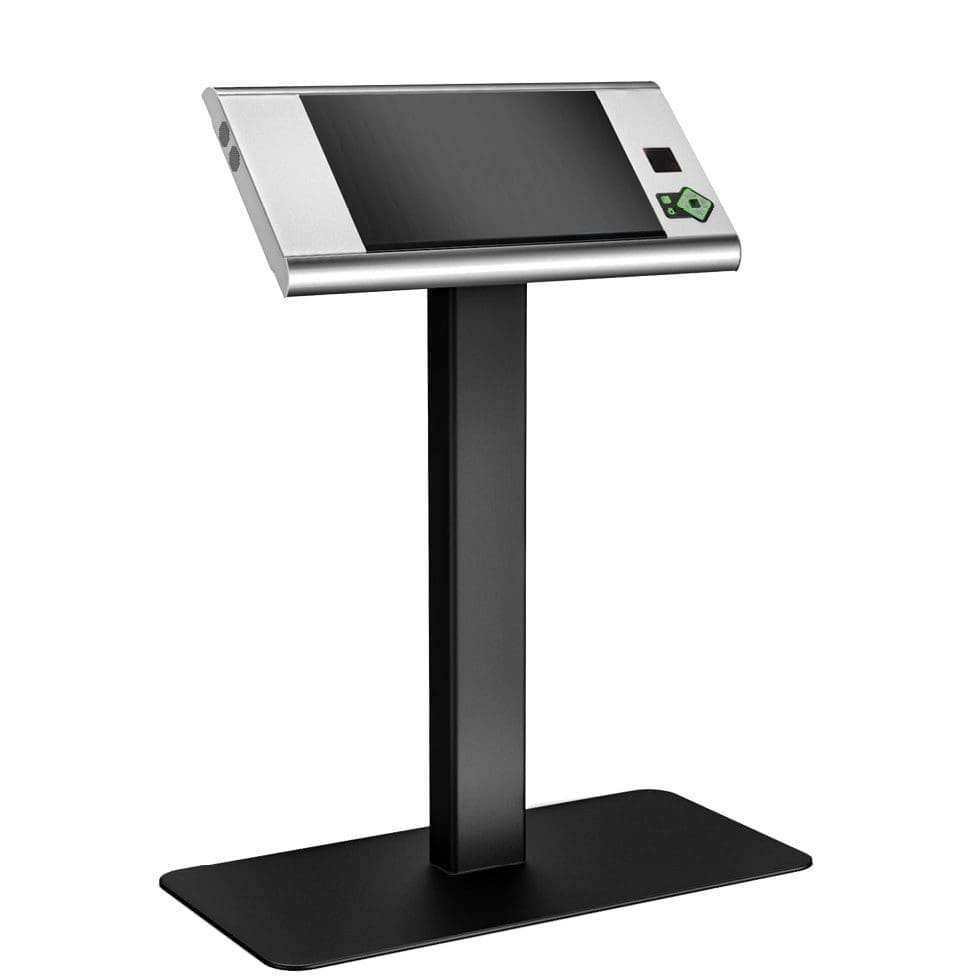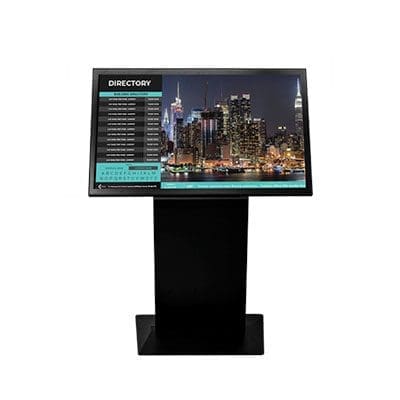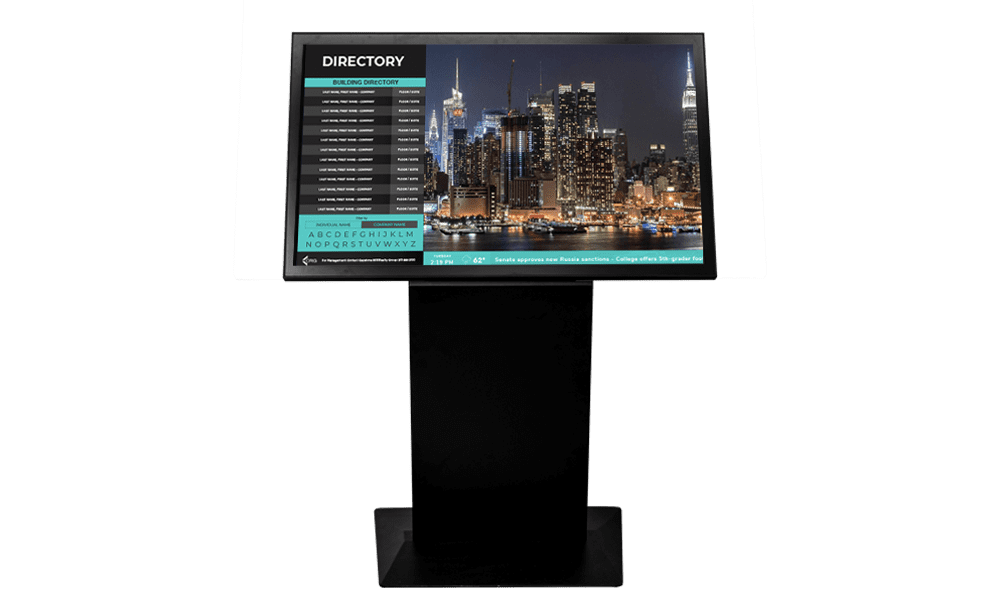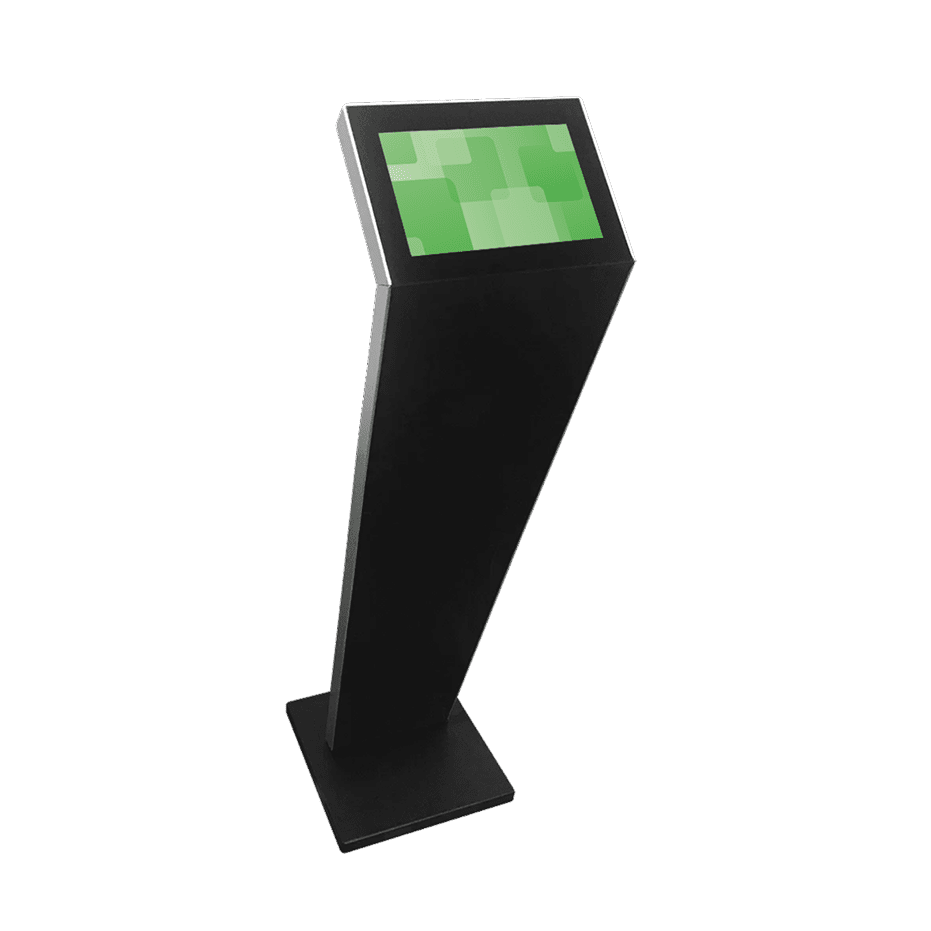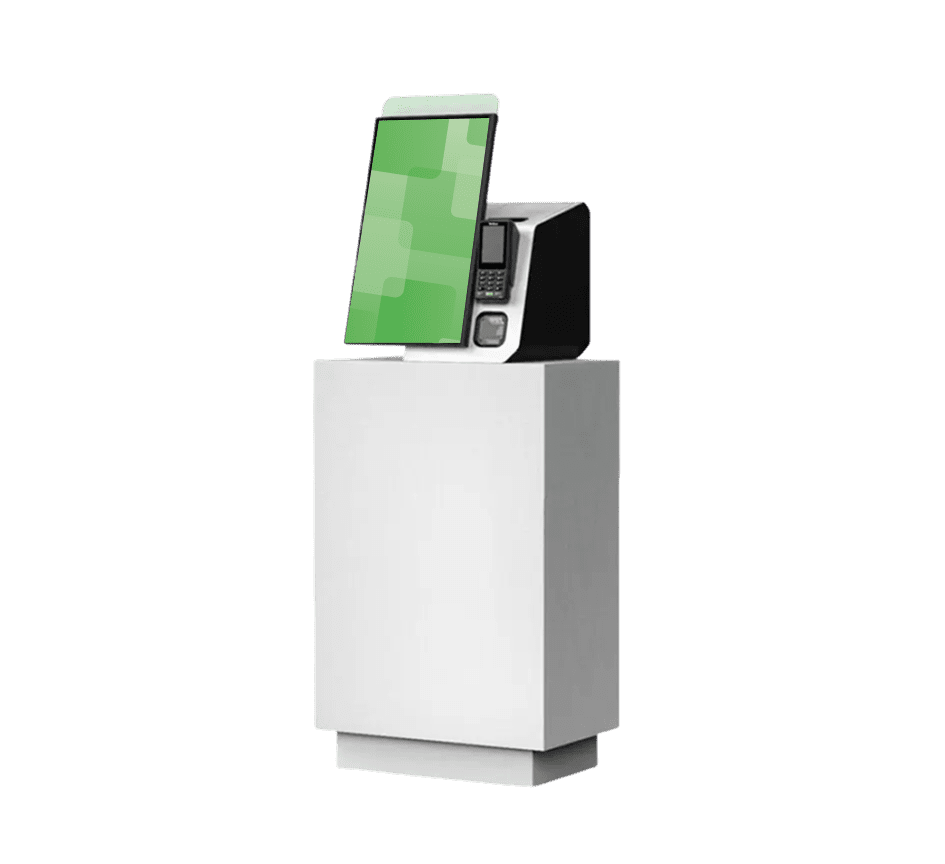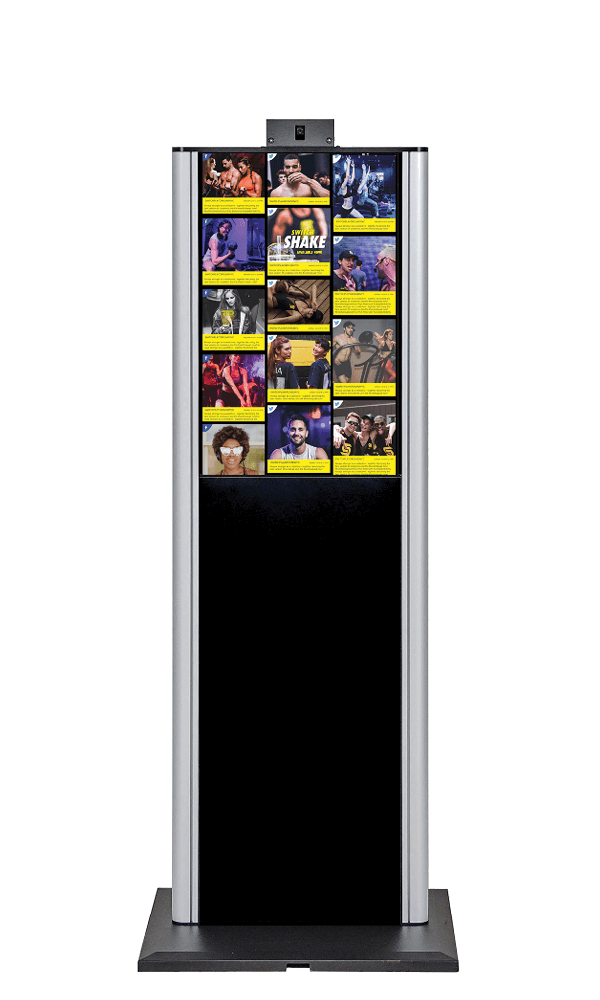
MetroClick Wayfinder Kiosks deliver sleek, versatile navigation solutions with modern 21.5-inch full HD touch displays that blend seamlessly into any setting while providing efficient wayfinding, self-service capabilities, and optional ADA compliance for enhanced accessibility.
Trusted by industry leaders to power better customer experiences
Wayfinder Kiosk with 21.5" Display
Complete navigation and self-service solution for any venue. Perfect for museums, retail spaces, hospitals, and complex facilities requiring interactive wayfinding, amenity promotion, and streamlined operations with optional accessibility features.
Technical Specifications:
Display: 21.5″ full HD touch screen with vibrant multimedia capability
Design: Slim, contemporary design that blends seamlessly into various environments
Navigation: Interactive map functionality with user-friendly wayfinding interface
Self-Service: Check-in, ticket purchase, and operational efficiency features
Accessibility: Optional ADA Module for compliance with disability guidelines
Content: Dynamic multimedia display for promoting amenities and showcasing exhibits
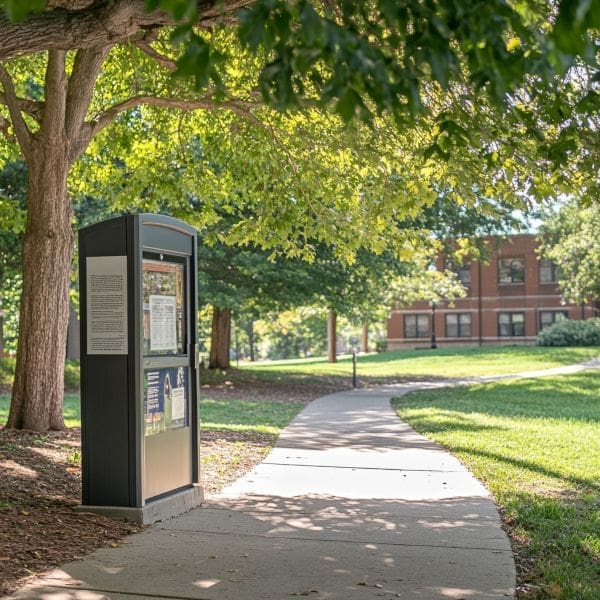
Trust in ruggedized, rated, reliable and robust devices of all shapes and sizes that perform flawlessly indoors or out.
Engage and Inform
Guide users through effortless, self-driven, interactive experiences or stream advertisements and promotions 24/7 on optically bonded, enhanced viewing touch screens.
Modular in Design
Easily configure, connect and scale devices to suit different locations, functions and use cases, while streamlining maintenance, serviceability and operational expenses.
Unapologetically Authentic
Fit any space with aesthetics and branding that drives emotional resonance and authentic connections to your true brand.
Strategic Booth Placement and Traffic Flow Optimization
Trade show success begins with understanding attendee movement patterns and strategically positioning interactive displays to maximize engagement. MetroClick’s trade showkiosksolutions are engineered to capture attention from multiple angles, drawing visitors into booth spaces through dynamic content and interactive experiences. Placement at booth corners creates natural entry points, while central positioning establishes focal points that anchor larger exhibition spaces.
Traffic flow analysis reveals that attendees spend an average of 8-10 seconds evaluating whether to enter a booth. Interactive displays positioned at eye level with motion-activated content can extend this decision window to 15-20 seconds, significantly increasing booth visits. The vertical orientation oftouch screendisplays allows multiple attendees to view content simultaneously without creating congestion, which is essential for maintaining smooth traffic flow during peak exhibition hours.
Pre-Show Marketing Integration
Modern trade show strategies extend beyond the exhibition floor through pre-show digital campaigns that drive booth traffic. MetroClick’s systems integrate with event apps and social media platforms, allowing exhibitors to schedule meetings and demonstrate products before the show begins. QR codes displayed on kiosks link to appointment scheduling systems, enabling attendees to reserve demonstration times and reducing wait times at the booth.
Analytics from integrated systems track pre-show engagement metrics, helping exhibitors identify high-value prospects before they arrive. This data informs staff allocation and ensures key decision-makers receive personalized attention.Corporateclients report 40% increases in qualified leads when combining pre-show digital outreach with on-site interactive displays.
Lead Capture and Qualification Systems
Effective lead capture transcends traditional business card collection through intelligent data gathering integrated into every interaction. Trade show kiosks equipped with RFID badge scanners instantly capture attendee information while they engage with product demonstrations or interactive content. This seamless process eliminates manual data entry errors and ensures no potential leads are lost in the chaos of the exhibition.
Progressive profiling through interactive questionnaires helps qualify leads in real-time, routing hot prospects to sales staff immediately. The system tags leads based on interaction patterns, time spent viewing specific content, and responses to qualification questions.Eventsindustry professionals particularly value this automated qualification process, which allows booth staff to focus on high-value conversations rather than data collection.
Multi-Sensory Engagement Strategies
Audio-Visual Synchronization
Trade show environments present unique acoustic challenges, with ambient noise levels often exceeding 85 decibels.MetroClick’s displays incorporate directional audio systems that create focused sound zones, allowing clear communication without contributing to overall noise pollution. Synchronized visual content responds to audio cues, creating immersive experiences that cut through exhibition hall chaos.
Headphone integration options provide private demonstration capabilities for confidential products or detailed presentations. Wireless connectivity allows multiple attendees to experience synchronized content while maintaining personal audio preferences.Hospitalitybrands leverage these capabilities to showcase ambiance and atmosphere that would otherwise be lost in noisy exhibition environments.
Haptic Feedback and Touch Response
Advanced haptic technology transforms passive viewing into active exploration through tactile feedback that confirms user inputs and enhances navigation. Subtle vibrations guide users through complex interfaces while providing satisfying confirmation of selections. This sensory feedback proves particularly valuable when demonstrating products with textural components or mechanical operations that benefit from simulated physical interaction.
Variable pressure sensitivity enables different interaction modes, from light browsing touches to firm selection presses.Retailexhibitors utilize pressure-sensitive displays to simulate product weight and resistance, creating more realistic virtual product experiences. The technology adapts to user preferences, learning optimal feedback levels through continued interaction.
Modular Design for Versatile Configurations
Scalable Display Arrays
Trade show requirements vary dramatically between events, demanding flexible solutions that adapt to different booth sizes and configurations. MetroClick’s modular approach allows single kiosks to function independently or combine into impressivevideowalls for larger exhibitions. Quick-connect systems enable rapid reconfiguration between shows without specialized tools or technical expertise.
The modular design philosophy extends to content management, with displays automatically detecting configuration changes and adjusting content accordingly. A two-kiosk setup might display complementary information, while four-unit arrays create panoramic experiences.Realtyfirms particularly appreciate this flexibility when showcasing properties across different exhibition spaces.
Transportation and Setup Efficiency
Lightweight construction using aerospace-grade materials reduces shipping costs while maintaining structural integrity. Modular components pack efficiently into custom cases that protect sensitive electronics during transport. Setup procedures are streamlined through color-coded connections and visual assembly guides that enable booth staff to deploy systems without technical support.
Rapid deployment capabilities prove crucial for exhibitors managing multiple simultaneous events. Complete system setup, including content loading and network configuration, typically requires less than 30 minutes.Trade shows frequented by touring exhibitors benefit from this efficiency, maximizing booth preparation time for other critical tasks.
Analytics and ROI Measurement
Real-Time Performance Metrics
Understanding visitor engagement during active exhibition hours enables dynamic strategy adjustments that maximize booth effectiveness.MetroClick’s analytics dashboard displays real-time metrics including visitor count, interaction duration, and content popularity. Heat maps visualize touch patterns, revealing which interface elements attract the most attention and identifying potential navigation improvements.
Comparative analytics benchmark performance across different show days and hours, identifying peak engagement periods. This intelligence informs staffing decisions and helps exhibitors optimize their presence for maximum impact.Restaurants & Barsexhibitors use timing data to schedule live demonstrations and tastings during high-traffic periods.
Post-Show Analysis and Follow-Up
Comprehensive post-show reports transform raw interaction data into actionable insights for future exhibitions. Detailed lead scoring based on engagement metrics helps prioritize follow-up activities, ensuring sales teams focus on the most promising opportunities. Content performance analysis identifies which messages resonated with attendees, informing future marketing strategies.
Integration with CRM systems automates lead distribution and tracks conversion rates from initial booth interaction through final sale. This closed-loop reporting demonstrates clear ROI from trade show investments. Exhibitors leveragingtouch screen kiosk rentaloptions for periodic shows can access historical data across multiple events, building comprehensive audience profiles over time.
Enhanced Visitor Experiences Through Gamification
Interactive games and contests transform passive booth visits into memorable experiences that extend brand engagement beyond the show floor.Photo boothintegrations create shareable moments that amplify social media reach, while competitive leaderboards drive repeat visits throughout multi-day events. Prize wheels and instant-win promotions generate excitement while capturing participant data for future marketing efforts.
Augmented reality experiences overlay digital information onto physical products, allowing visitors to explore features impossible to demonstrate in traditional displays. Virtual product customization tools let attendees design personalized solutions, creating emotional investment in the brand. These immersive experiences, displayed on high-resolutiondigital boards, leave lasting impressions that differentiate exhibitors from traditional static displays.
wayfinding, navigator, brand, touchscreen, mobile app, productivity, accessibility, digital signage, retail, analytics, patient, user experience, mobile device, signage, customer, transport, interactivity, customer experience, point of interest, interface, user interface, content management system, request a demo, digital signage software, points of interest, signage software, customer engagement, behavior, content management, property, organization, routing, directory, video wall, public transport, client, stress, user, environmentally friendly, website, traffic flow, innovation, smart city, manufacturing, faq, visibility, efficiency, speech recognition, knowledge, understanding, sms, attention, floor plan, culture, social media, interactive wayfinding, kiosk software, wayfinding digital signage, book a demo, wayfinding solutions, grow your business, interactive, interactive kiosks, digital signage solutions, wayfinding systems, wayfinding signage, digital wayfinding, employee, signs, enable, free trial, employees, wayfinding technology, university campus, digital wayfinding signage, directories, wayfinding signs, digital way finding, wayfinding kiosks, digital signage and wayfinding, company, usability, interactive kiosk, workspace, navigation, web browser, indoor positioning system, cloud computing, web application, workplace, elevator, amusement park, desk, customer service, stairs, emergency exit, hot desking, health care, floor, consultant, wireless, text messaging, anxiety, automation, turnkey, proprietary software, marketing, entertainment, engine, built environment, asset, indoor navigation, hospital wayfinding, web, cms, user consent, wayfinding software, wayfinding system, graphics, consumer, landscape, multimedia, wheelchair, photo booth, gift card, selfie, bespoke, countertop, search engine, policy, revenue, authentication, button, wall, wayfinder kiosk
Frequently Asked Questions
How to integrate digital signage with wayfinding?
Digital signage can be integrated with wayfinding through features like interactive maps, turn-by-turn directions, and real-time information updates. This allows for a seamless and informative navigation experience for users.
Can software enhance indoor navigation experiences?
Absolutely. Software can enhance indoor navigation experiences through features like interactive wayfinding maps, real-time location tracking, and customized routing. Digital signage and kiosks powered by advanced software can provide intuitive and seamless navigation for visitors within a building or complex.
What features do interactive kiosks offer?
Interactive kiosks offer features such as web-based content management systems, 3D/semi-3D/2D mapping, pinch and zoom functions, interactive directions, property announcements, photo booth capabilities, real-time announcements, graphical route animation, and multi-lingual compatibility. They also support multi-level advertising and integration with physical devices like cameras, sensors, and speakers.
Are there mobile integrations for wayfinding devices?
Yes, MetroClick's wayfinding kiosks offer the ability to integrate with physical devices such as cameras, sensors, speakers, and printers. Additionally, the system can be customized to include features like Wi-Fi hotspots, Bluetooth, beacons, payment systems, and camera recognition and analytics.
How to update maps on digital wayfinding systems?
To update maps on digital wayfinding systems, the content management system allows users to easily upload and manage new map data. Map updates can be pushed out remotely through the web-based CMS.
What industries benefit from wayfinding solutions?
The most common industries that benefit from wayfinding solutions include high-traffic environments, city centers, stadiums, commercial office buildings, shopping centers, and hotels. These solutions can help visitors navigate and engage with the space through features like interactive maps, directories, and location-based information.
How to design user-friendly wayfinding interfaces?
Design intuitive and visually appealing wayfinding interfaces with clear directional cues, interactive maps, and responsive navigation. Incorporate customizable features that accommodate diverse user needs and preferences.
What are the costs of deploying wayfinding kiosks?
The main costs of deploying wayfinding kiosks include the initial purchase and installation of the hardware, ongoing maintenance and software updates, as well as potential costs for customization and integration with other systems. The specific costs can vary depending on the size, features, and complexity of the kiosk deployment.
How to ensure accessibility in wayfinding technology?
Wayfinding technology should incorporate features that ensure accessibility, such as providing clear visual cues, offering audio guidance, and enabling customization for users with varying needs. Adhering to accessibility standards and integrating assistive technologies can enhance the inclusivity of wayfinding solutions.
Can wayfinding systems track user engagement data?
Wayfinding systems can collect user engagement data such as foot traffic, dwell time, and interaction with the digital content. This data can provide valuable insights to optimize the wayfinding experience and inform strategic decisions.
What are common challenges in wayfinding implementation?
Common challenges in wayfinding implementation include ensuring the system is intuitive and easy to use, integrating with existing infrastructure, and maintaining up-to-date information. Providing engaging content and features that meet the needs of diverse users is also crucial for successful wayfinding implementation.
How do wayfinding systems benefit large campuses?
Wayfinding systems on large campuses help visitors and students navigate the complex environment more easily. They provide interactive maps, directions, and location information to guide people to their destinations.
What is the lifespan of a wayfinding kiosk?
The typical lifespan of a wayfinding kiosk is around 5-8 years, depending on factors such as usage, environment, and maintenance. However, with proper care and regular upgrades, a wayfinding kiosk can remain functional for a decade or more.
How to secure wayfinding kiosks against vandalism?
Wayfinding kiosks can be secured against vandalism through the use of tamper-resistant hardware, lockable enclosures, and placement in high-traffic, well-lit areas. Regularly monitoring and maintaining the kiosks, as well as implementing security cameras and access controls, can also help deter and prevent vandalism.
What analytics can wayfinding software provide?
The wayfinding software can provide analytics on user engagement, foot traffic patterns, dwell times, and other metrics to help understand how guests are interacting with the space.
How to personalize experiences with wayfinding technology?
Wayfinding technology can personalize experiences by offering customized maps, directions, and location-based information to users. Features like social media integration, interactive displays, and data analytics allow businesses to tailor content and services to individual preferences and behaviors.
What programming languages are used in wayfinding software?
The wayfinding software typically utilizes a combination of programming languages such as JavaScript, HTML, CSS, and server-side languages like Python or PHP, to create the interactive mapping, navigation, and content management functionalities.
Can wayfinding kiosks support multiple languages?
The MetroClick digital wayfinding kiosk is multi-lingual compatible, allowing it to support multiple languages to cater to diverse audiences.
How to choose the right screen size for kiosks?
The ideal screen size for a kiosk depends on the intended use case and environment. Factors such as viewing distance, desired interactivity, and available space should be carefully considered when selecting the appropriate screen size.
For high-traffic areas where kiosks will be viewed from a distance, larger screen sizes around 32-55 inches are often recommended to ensure visibility and legibility. In settings where users will be interacting directly with the kiosk, smaller screen sizes between 19-27 inches may be more suitable to facilitate touch interaction.
Can wayfinding systems integrate with emergency protocols?
Yes, wayfinding systems can integrate with emergency protocols to provide real-time updates and directions during emergency situations. Many wayfinding systems have the capability to integrate with security and facility management systems to display emergency notifications and guide users to safe zones or exits.
What are the trends in wayfinding technology innovation?
Wayfinding technology is evolving towards more interactive, immersive and customizable solutions. There is a growing trend towards integrating digital features like social media, real-time information feeds, and analytical capabilities to enhance the user experience.
How do users interact with touch screen kiosks?
Users interact with touch screen kiosks by physically touching the screen to navigate menus, select options, and input information. Touch screen technology allows for intuitive and responsive user interaction with the kiosk interface.
What maintenance is required for wayfinding systems?
Wayfinding systems require regular maintenance to ensure proper functionality and up-to-date information. This may include software updates, hardware inspections, and cleaning or replacing worn components.
How to implement wayfinding in outdoor environments?
Wayfinding in outdoor environments can be implemented using interactive digital kiosks that provide 3D mapping, directions, and other features to guide visitors. These weatherproof, customizable kiosks can be placed in high-traffic areas to help users navigate the space.
Can wayfinding kiosks display 3D maps?
Yes, the MetroClick wayfinding kiosks can display 3D, semi-3D or 2D maps.
What training is required to operate wayfinding software?
Operating wayfinding software typically requires training on the specific software platform and its features. The training may cover content management, map creation, integration with physical devices, and other functionalities of the wayfinding system.
How do virtual wayfinding assistants work?
Virtual wayfinding assistants use integrated maps, location data, and user input to provide customized navigation guidance. They direct users to their desired destinations through interactive directions and visual cues.
Can wayfinding improve overall customer satisfaction?
Absolutely. Effective wayfinding can enhance the customer experience by providing clear navigational guidance, improving accessibility, and reducing frustration. Well-designed wayfinding solutions enable customers to easily find their desired destinations, ultimately increasing satisfaction and engagement.
How energy-efficient are digital wayfinding devices?
Digital wayfinding devices can be energy-efficient, utilizing LED displays and power-saving modes to minimize energy consumption. The specific energy efficiency depends on the device design and configuration, but advancements in display and processor technologies have enabled development of energy-efficient digital wayfinding solutions.
What backup systems exist for wayfinding technology?
The wayfinding technology typically includes backup power sources, redundant hardware, and cloud-based content management systems to ensure uninterrupted operation. Digital kiosks may also integrate with physical devices like cameras, sensors, and printers to provide additional functionality and resilience.
kiosk digital signage, interactive kiosk system, digital wayfinder, way finder kiosk, wayfinding display, wayfinding displays, digitial wayfinding, signage kiosks, wayfinding signage programs, metro wayfinding, digital signage map, digital kiosk, digital way finding, 3d wayfinding software, wayfinding screens, information kiosk software, interactive wayfinding solution, wayfinding software solutions, wayfinding cms, interactive wayfinding software, portable wayfinding signage, digital sign kiosk, wayfinder software, interactive kiosk solutions, interactive kiosk, interactive wayfinding solutions, interactive kiosks, digital kiosk software, real estate kiosk, way finding, wayfinding stadium digital signage, digital signage and interactive kiosks, navigation kiosk, digital signage kiosk software, digital signage wayfinding software, digital wayfinding screens, touchscreen wayfinding, what is digital wayfinding, wayfinding digital signage, kiosk wayfinder, touch screen kiosk orlando, kiosk wayfinding, stadium kiosk developers, digital wayfinding apps, digital kiosk signage, signage kiosk, interactive and wayfinding, digital wayfinding systems, interactive kiosk hardware, interactive kiosk software, digital signage kiosk solution, interactive wayfinding design, wayfinding kiosk software, retail wayfinding, wayfinding screen, interactive kiosk cms, digital wayfinding software, interactive outdoor kiosk, wayfinding design software, interactive wayfinding systems, touch wayfinding, kiosk software buys, multimedia kiosk software, way finding kiosk, touchscreen kiosk software, touch screen kiosk software, digital signage kiosk, interactive outdoor kiosks, automated wayfinding, kiosk content management, digital wayfinding design, wayfinder digital signage, kiosk monitor software, software for signs, digital signage wayfinding, interactive map kiosk, hospital wayfinding kiosk, kiosk signs, wayfinder kiosk manufacturer, interactive kiosk systems, interactive wayfinding maps, wayfinder kiosk, kiosk display software, what are wayfinding kiosks, digital wayfinding stations, 3d wayfinding tool, interactive touchscreen kiosk software, wayfinding digital systems, interactive digital signage kiosk, interactive kiosks software, wayfinding tool, kiosk navigation, kiosk hardware, wayfinding kiosks, wayfinding platform, wayfinding digital, way-finding digital signage, digital interactive wayfinding, electronic wayfinding, software for digital kiosks, interactive wayfinding signage, digital wayfinding system, digital signage kiosk solutions, dynamic wayfinding, digital wayfinding kiosk, interactive wayfinding kiosk, custom kiosk software, wayfinding software, digital kiosks, digital signage and wayfinding, info kiosk software, outdoor digital wayfinding, digital wayfinding solutions, touch screen wayfinding, wayfinding touch screen, digital directory kiosk, used kiosk, interactive wayfinding, kiosk signage, wayfinding digital signs, digital wayfinding signage, kiosk interactive, digital interactive kiosk, used kiosks, touch kiosk software, way-finding software, map kiosk, wayfinding digital signage software, apartment kiosk software, kiosk real estate, digital wayfinding, kiosks software, custom interactive kiosk, way finding solutions, way-finding, wayfinding tv, sdcf midway kiosk, wayfinder signage, digital wayfinding signs, digital kioks, information kiosk sign, finding signage companies, interactive directory kiosk, interactive kisok, interactics, store wayfinding, digital wayfinding and signage, wayfinding kiosk, wayfinding signage software, digital signage kiosks, wayfinder system, real estate kiosks, wayfinding tools, multi-touch wayfinding, outdoor kiosk signs, outdoor digital kiosks, retail kiosk software, shopping centre wayfinding, directory kiosk, interactive video kiosk, wayfinding products, kiosk digital, interactive digital kiosks, kiosk cms, custom mobile wayfinding map products, wayfinding systems, outdoor wayfinding kiosk, wayfidning, digital retail signs, wayfinding technology, wayfinder signs, interactive kiosk maps, digitalni kiosk, interactive kiosk experience, interactive digital kiosk, wayfinder digital, digital outdoor kiosk, multitouch wayfinding, wayfinder solutions, interactive information kiosk, kiosk digital signage software, digital kiosk solutions, outdoor wayfinding, digital wayfinding kiosks, interactive wayfinding kiosk suppliers, outdoor sign kiosk